


R-first toolkit for automatic visualization of water maze and minefield trajectory tasks.
MMV focuses on: - a unified CSV schema - explicit legacy-to-standard CSV conversion - two direct plotting functions - thisplot-style theme integration with builtin fallback
Visual Preview
| Water Maze | Minefield |
|---|---|
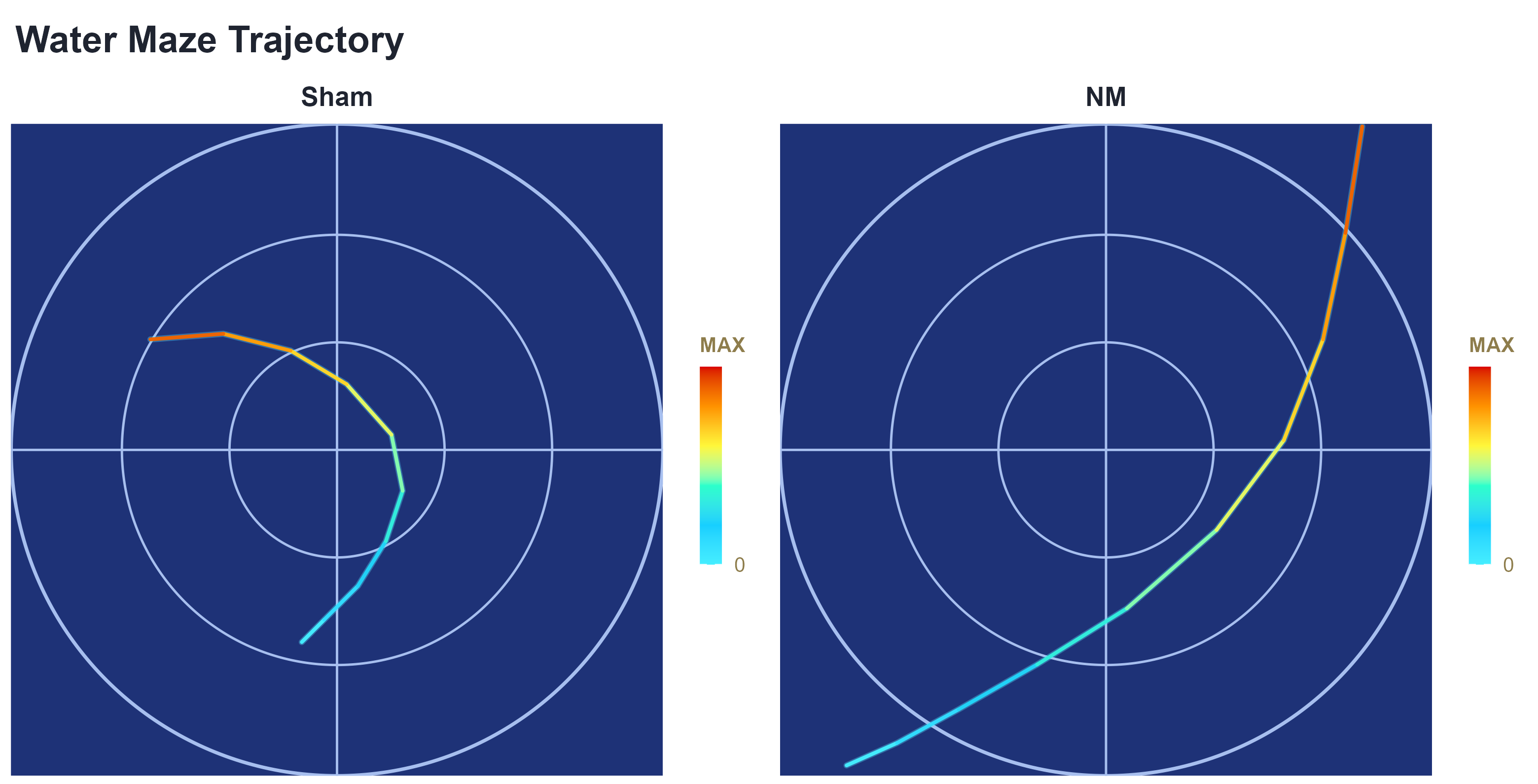 |
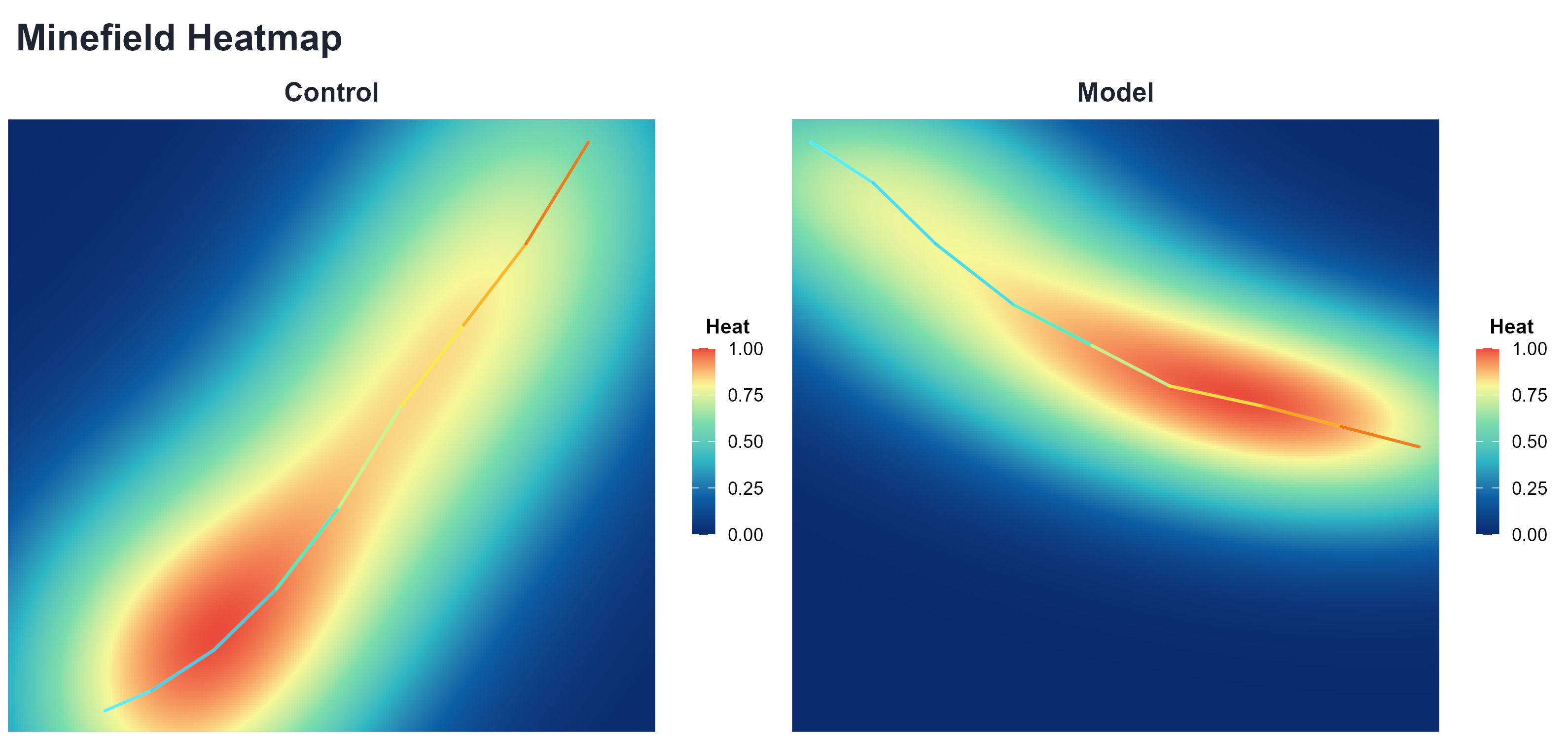 |
Real legacy-file examples (your raw coordinate style):
| SAH (Legacy CSV) | NM (Legacy CSV) |
|---|---|
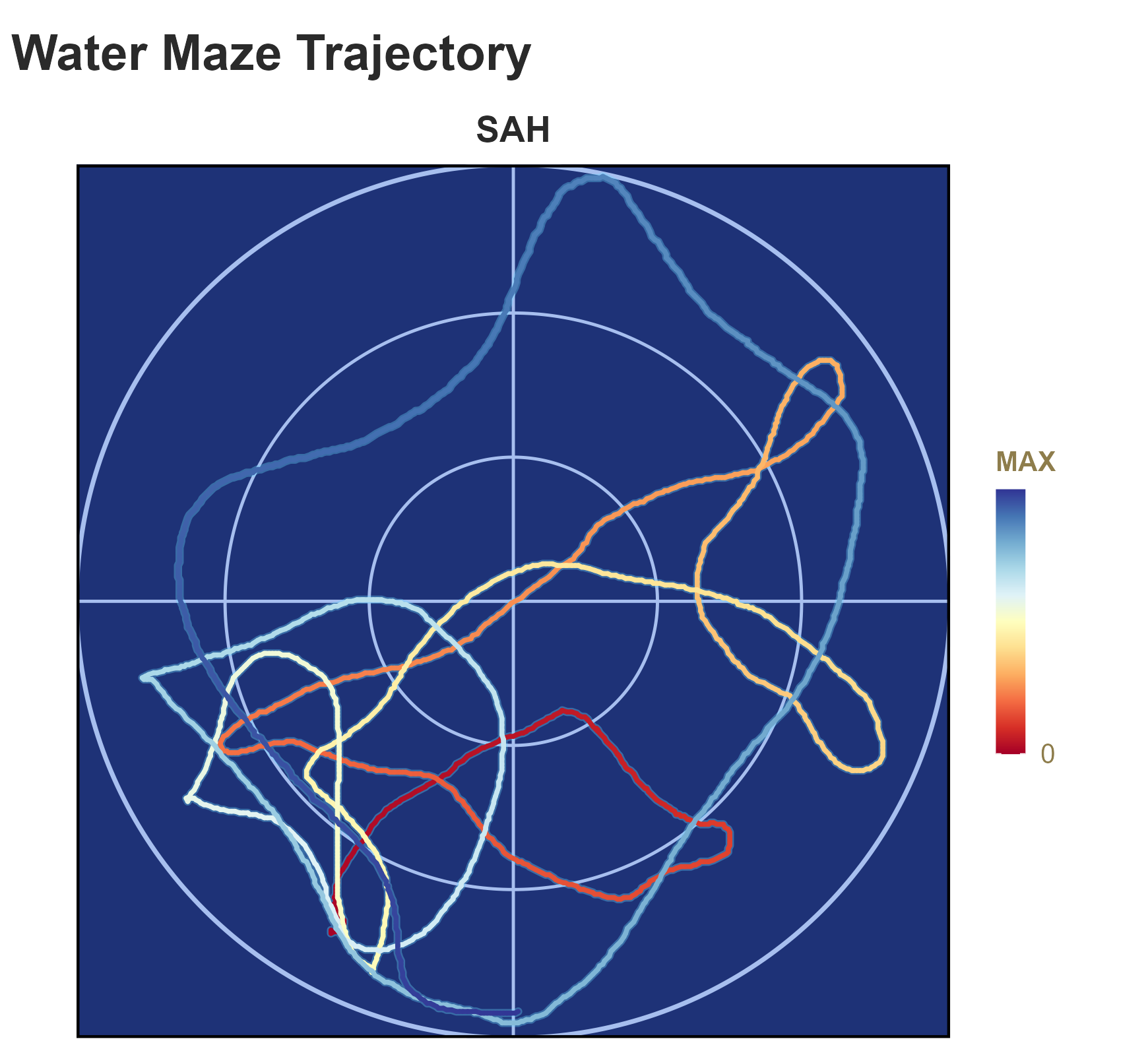 |
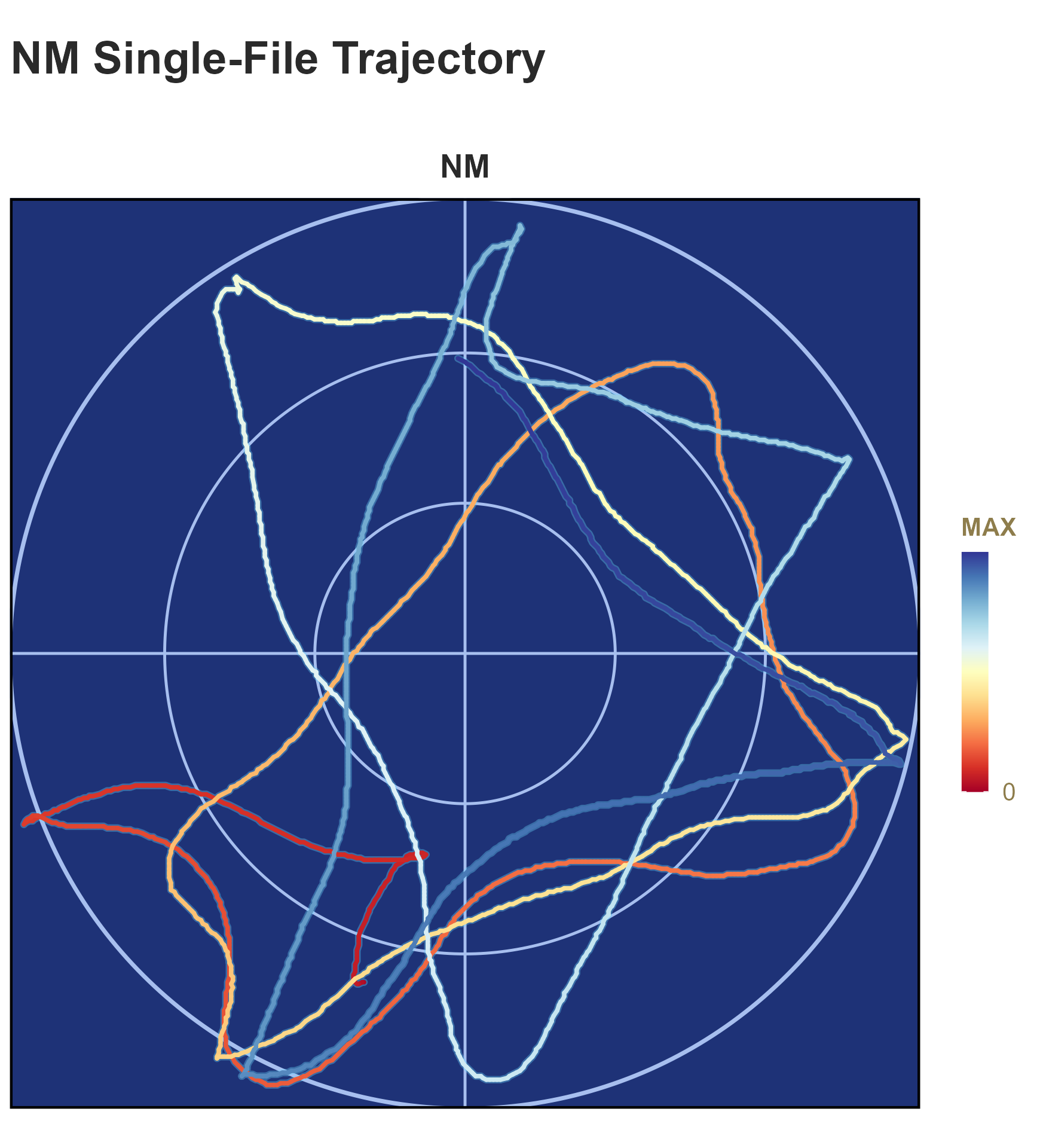 |
Install
install.packages("remotes")
remotes::install_github("hurry060215-tech/MMV")
library(MMV)
Optional dependency for YAML manifests:
install.packages("yaml")
# thisplot is optional; MMV automatically falls back to its builtin theme.
Quick Demo (Copy and Run)
library(MMV)

# Easiest first run: create data templates, a manifest, and a runner.
mmviz_init("my-mmv-project")
# Then run: Rscript my-mmv-project/run_mmviz.R

wm_csv <- system.file("templates", "watermaze_template.csv", package = "MMV")
mf_csv <- system.file("templates", "minefield_template.csv", package = "MMV")

# 1) Read and plot immediately
plot_mmviz(
  wm_csv,
  task = "watermaze",
  cfg = list(
    style_mode = "builtin",
    out_file = "outputs/watermaze_demo.png"
  )
)

# 2) Convert to the standard schema when you want a reusable clean CSV
cnv <- convert_mmviz_csv(
  path = wm_csv,
  out_path = "outputs/watermaze_template_standard.csv",
  task = "watermaze",
  overwrite = TRUE
)

# 3) Plot the converted file
plot_watermaze(
  cnv$output_file,
  cfg = list(
    style_mode = "builtin",
    plot_mode = "line_gradient",
    out_file = "outputs/watermaze_demo.png"
  )
)

# 4) Minefield (heatmap + optional trajectory overlay)
plot_minefield(
  mf_csv,
  cfg = list(
    style_mode = "builtin",
    overlay_trajectory = TRUE,
    out_file = "outputs/minefield_demo.png"
  )
)
Run the installed end-to-end example:
source(system.file("examples", "example_usage.R", package = "MMV"))Repository contributors can run source("scripts/run_examples.R") for template conversion, water-maze, minefield, and batch examples from a source checkout.
Regenerate README Example Figures
source("scripts/build_readme_examples.R")This script writes: - man/figures/watermaze_demo.png - man/figures/minefield_demo.png
Input Schema
Required columns: - subject_id - group - trial_id - frame - x - y
Optional columns: - time_sec - event
Legacy coordinate-stream CSV is also supported as quoted coordinate pairs (for example, "233,135","233,135",...) or a headerless two-column numeric CSV. Signed, decimal, and scientific-notation coordinates are accepted.
Batch Manifests
A CSV or YAML manifest needs task and input fields. Relative input paths are resolved from the manifest file’s directory. Every row returns an ok or error status, so one bad file does not stop the remaining jobs.
manifest <- system.file("templates", "manifest_template.csv", package = "MMV")
result <- plot_batch(manifest, out_dir = "outputs/batch")
print(result)
Main Functions
mmviz_init(path = "MMV-project")plot_mmviz(input, task, cfg = list(), out_file = NULL)convert_mmviz_csv(path, out_path = NULL, task = "watermaze", overwrite = FALSE)convert_mmviz_folder(input_dir, out_dir, task = "watermaze", ...)plot_watermaze(input, cfg = list())plot_minefield(input, cfg = list())plot_batch(manifest, out_dir, cfg = list())
Style Modes
-
style_mode = "thisplot": usethisplot::theme_this()andthisplot::palette_colors()when available. -
style_mode = "builtin": internal fallback palette/theme.
Default is thisplot with automatic fallback.
Optional Python Hook
use_python_backend() is deprecated in v0.2.0. It remains available only for compatibility with existing projects and will be removed in v0.3.0. Pure-R plotting through plot_mmviz(), plot_watermaze(), and plot_minefield() is the supported product path. Existing Python users should migrate their post-processing into an explicit R preprocessing step before the v0.3.0 removal.
Windows and Unicode paths
MMV supports spaces and Unicode filenames when R is running with a UTF-8-capable Windows locale. If tests or conversion report that no CSV files were found for Chinese filenames, inspect the current process environment:
Some shells incorrectly export the POSIX value C.UTF-8, which Windows R does not recognize. Clear it for the current PowerShell process, then rerun R:
Remove-Item Env:LANG,Env:LC_ALL,Env:LC_CTYPE -ErrorAction SilentlyContinue
Rscript -e "print(Sys.getlocale())"
This changes only the current process. MMV does not set global locale values or silently change user environment variables.
License
MMV is released under the MIT License. See LICENSE.md for the full license text.
Contributor release flow
Changes are published through a feature branch and pull request. The protected main branch runs R-CMD-check, coverage, and pkgdown before merge. A maintainer creates a version tag only after the merged main build is green; the tag workflow creates the source package and GitHub Release.